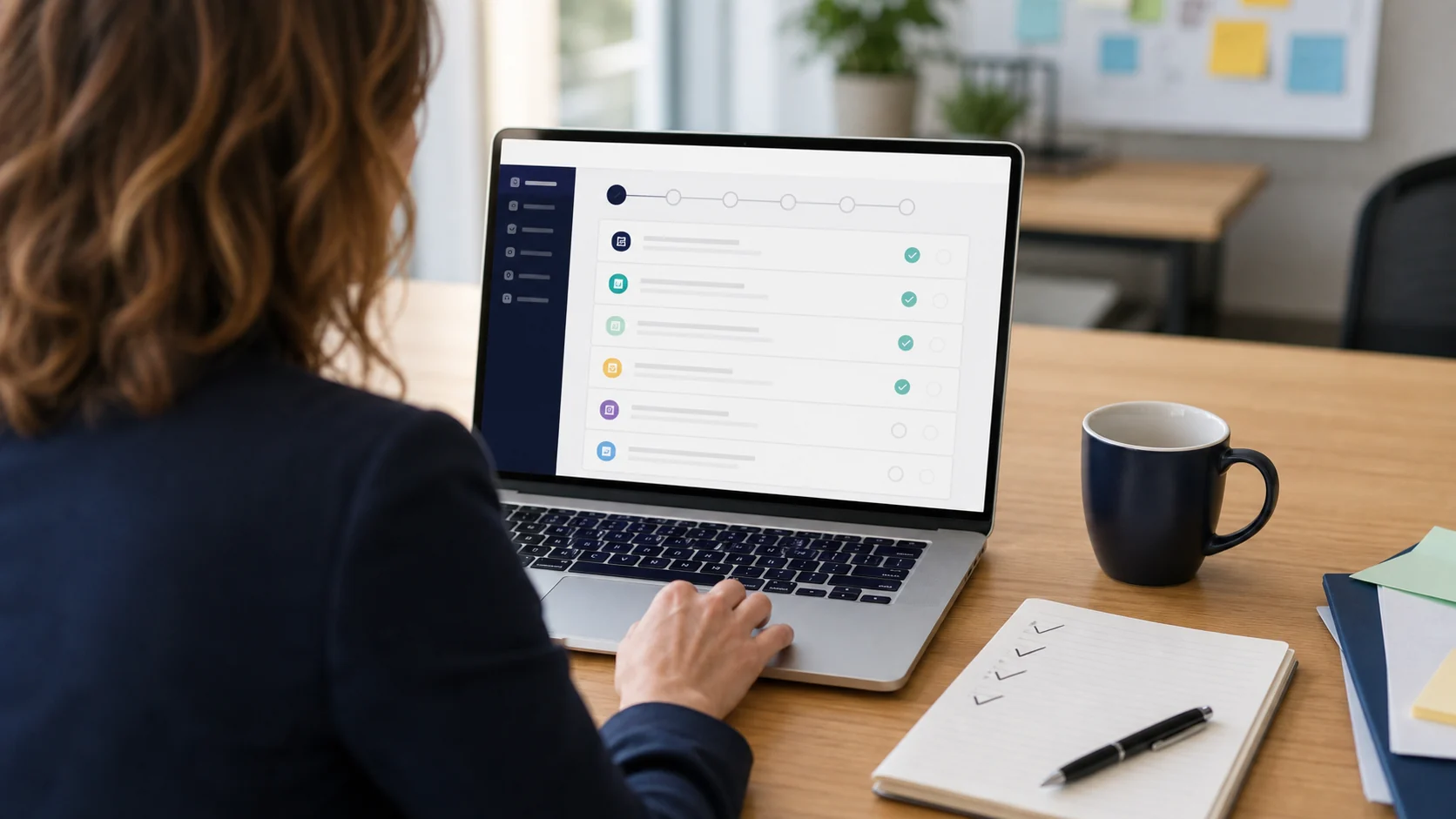
A campaign website should not feel like a blank-page design project
Campaigns usually do not struggle because they lack opinions about colors or buttons. They struggle because the website has to do several jobs at once. It has to explain the candidate, organize issues, collect volunteers, point supporters to the correct external donation platform, show current events, publish updates, present photos, support custom domains, and leave room for legal and disclaimer review.
That is why PoliticalWin added a dedicated tutorial library. The new tutorials are not another blog category. They are practical guides built around the dashboard workflows campaigns use when launching a public site. The link lives in the footer so visitors who need help can find it without crowding the main navigation.
The tutorials follow the way campaigns actually build
The first set focuses on the core areas that make a campaign site feel real: campaign profile setup, website sections and issue cards, Pages and SEO review, Media and Gallery, and News and Updates. It also covers two high-value tools that often affect launch quality: custom-domain setup and the PoliticalWin AI assistant.
Each guide explains what the section does, how a campaign should think about it, and what to review before moving on. The point is not to make users read a manual before doing anything. The point is to give candidates, managers, consultants, treasurers, and trusted volunteers a clear path when they need a little direction.
- Profile setup helps campaigns get the candidate name, office, contact details, social links, and photos right.
- Website sections help campaigns publish the hero, biography, issues, events, donation links, news, and FAQ without overloading the homepage.
- Pages and SEO helps teams review public URLs, search previews, publish status, and noindex settings.
- Media and Gallery explains how to use photos in a way that supports trust.
- Custom-domain and AI tutorials help campaigns move from draft to launch with more confidence.
Good tutorials also support conversion
For a campaign comparing platforms, a tutorial library is more than support content. It shows how the product works before the campaign creates an account. It answers a common buyer question: will my team understand how to use this after we sign up?
PoliticalWin is designed around guided editing rather than a blank drag-and-drop canvas. The tutorials make that structure visible. A candidate can see that the dashboard is organized by campaign work: profile, sections, pages, media, news, domain, and helpful guidance. That can reduce hesitation for teams that need a professional site but do not want to manage a custom web build.
The same tutorials also help after signup. A campaign helper can open the footer link, find the exact workflow they are using, and continue without waiting for a support reply. That matters for small teams working after business hours, when a candidate may be trying to add a photo, publish an event, check a form, or review a custom domain before announcing the site.
The guidance stays inside the real product boundaries
The tutorials are also careful about what PoliticalWin does not do. PoliticalWin helps campaigns publish websites, forms, disclaimer fields, media, pages, and external donation links. It does not process campaign contributions or provide legal, campaign-finance, tax, accounting, cybersecurity, election-law, advertising, or political strategy advice.
That distinction matters. A good tutorial should help a campaign move faster without implying that software replaces the campaign's own review responsibilities. Campaigns should still review public content, donation links, disclaimers, and jurisdiction-specific requirements with the right advisors before publishing.