Use images to prove the campaign is alive
A campaign website with no photos can feel unfinished even when the writing is strong. Media gives voters signals of activity: the candidate meeting people, speaking at events, visiting neighborhoods, participating in forums, or standing in a recognizable local setting.
PoliticalWin gives campaigns places to upload candidate photos, hero images, news images, issue images, event images, logos, and gallery items. The goal is not to fill every possible image slot. The goal is to use visuals that support the story of the campaign.
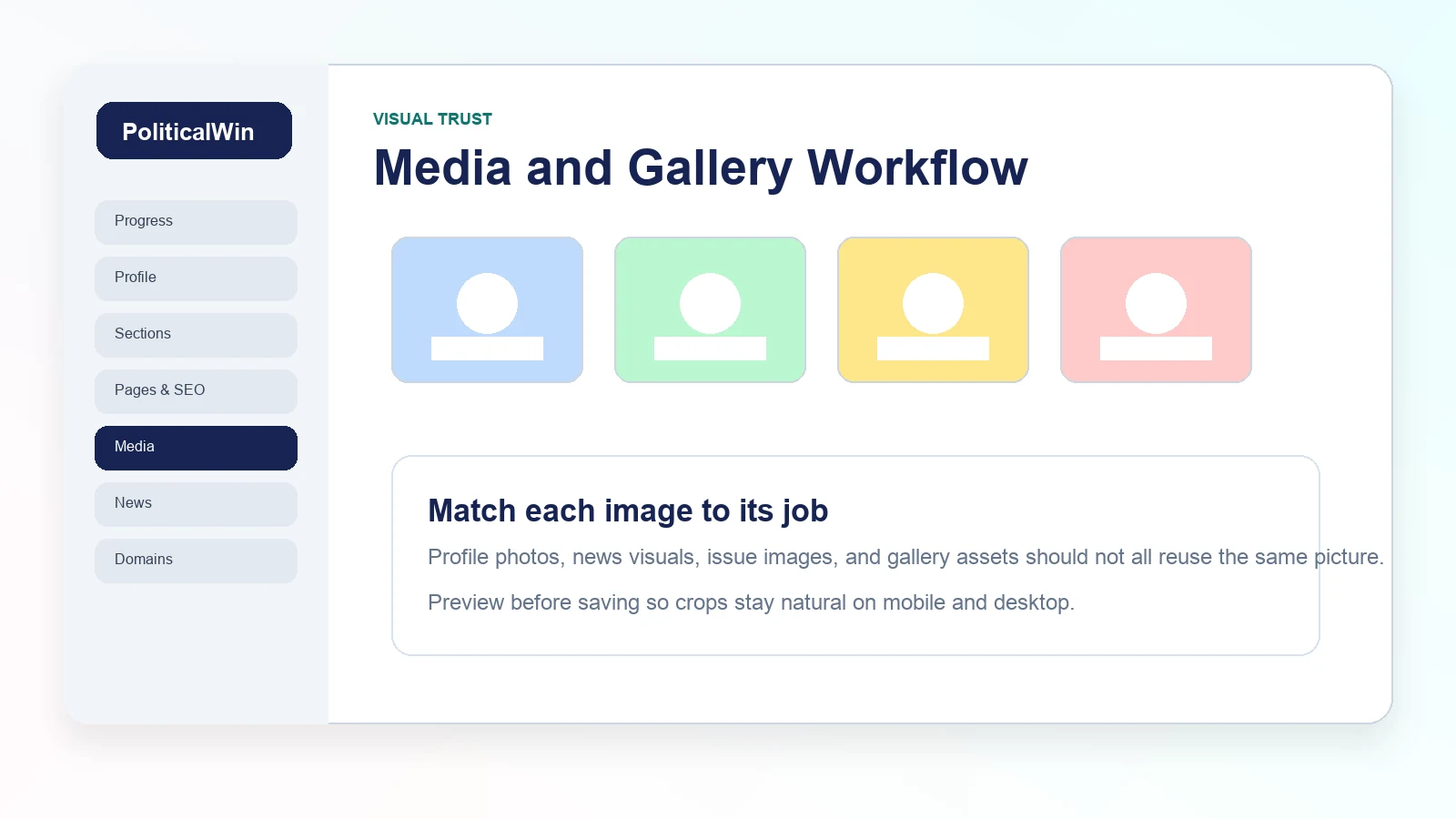
Match each image to the job it has to do
A candidate headshot works well for biography and profile areas. A wide image works better for a hero banner or news card. A group photo may work in a gallery but can crop poorly in a narrow card. Before saving, campaigns should preview the selected image and make sure the subject is not cut off.
Avoid repeating the same image in every section. Repetition makes the site look thin. If the campaign has limited photography, use the strongest candidate photo in the profile and create simple, relevant visuals for issue or news cards until more real images are available.
Write alt text like a human
Alt text helps accessibility and gives context when images fail to load. It should describe the image in plain language. Do not stuff keywords into alt text and do not invent details that are not visible.
A good alt text example is: Candidate speaking with voters at a neighborhood event. A weak one is: best political campaign website image vote now. Alt text should serve the visitor first.
Keep image quality high without creating risk
Large images can slow a site down, but overly compressed images can make a campaign look cheap. PoliticalWin templates are designed to use modern responsive image behavior, but campaigns still make better pages when they start with clean, well-lit photos and avoid screenshots of text-heavy graphics.
For most campaign sections, horizontal images with the subject centered are the safest option. They crop more naturally across desktop cards, mobile cards, and social previews.